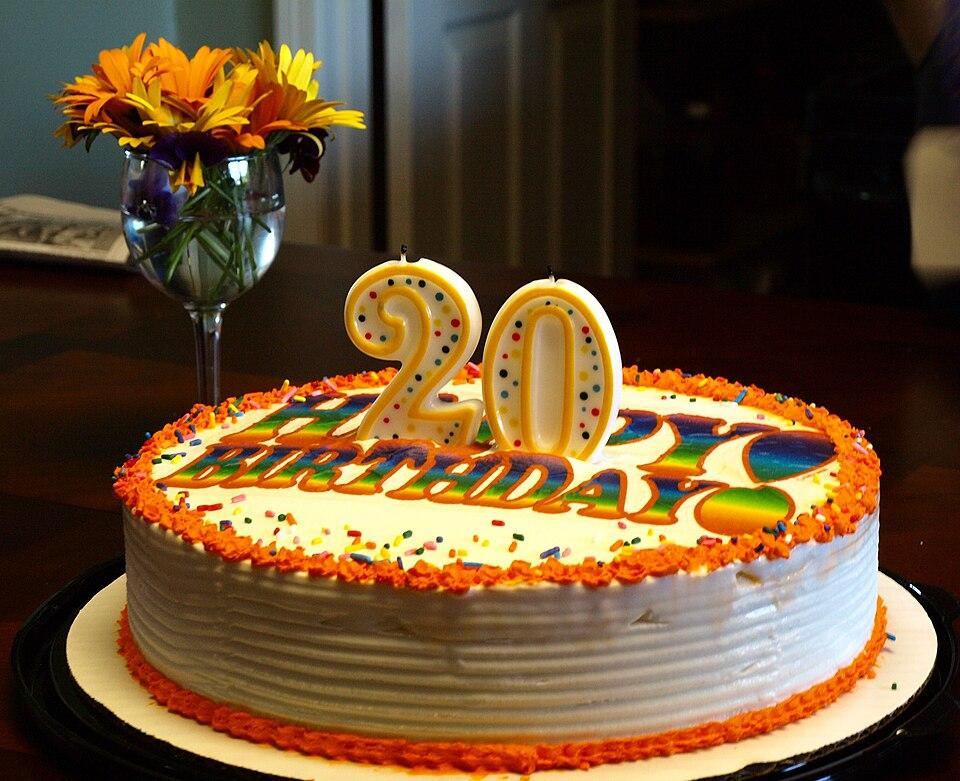
· 3 min read
Birthday party photo sharing: 9 ideas that get guests to add their photos
From a QR code on the cake table to a live slideshow, nine simple ideas that turn a birthday party's scattered phone photos into one shared album.
Guests scan a QR code and add photos and videos straight from their phones. No app, no account. Every shot lands in one gallery, while the party is still going.
Free during the beta · for weddings, birthdays and every party
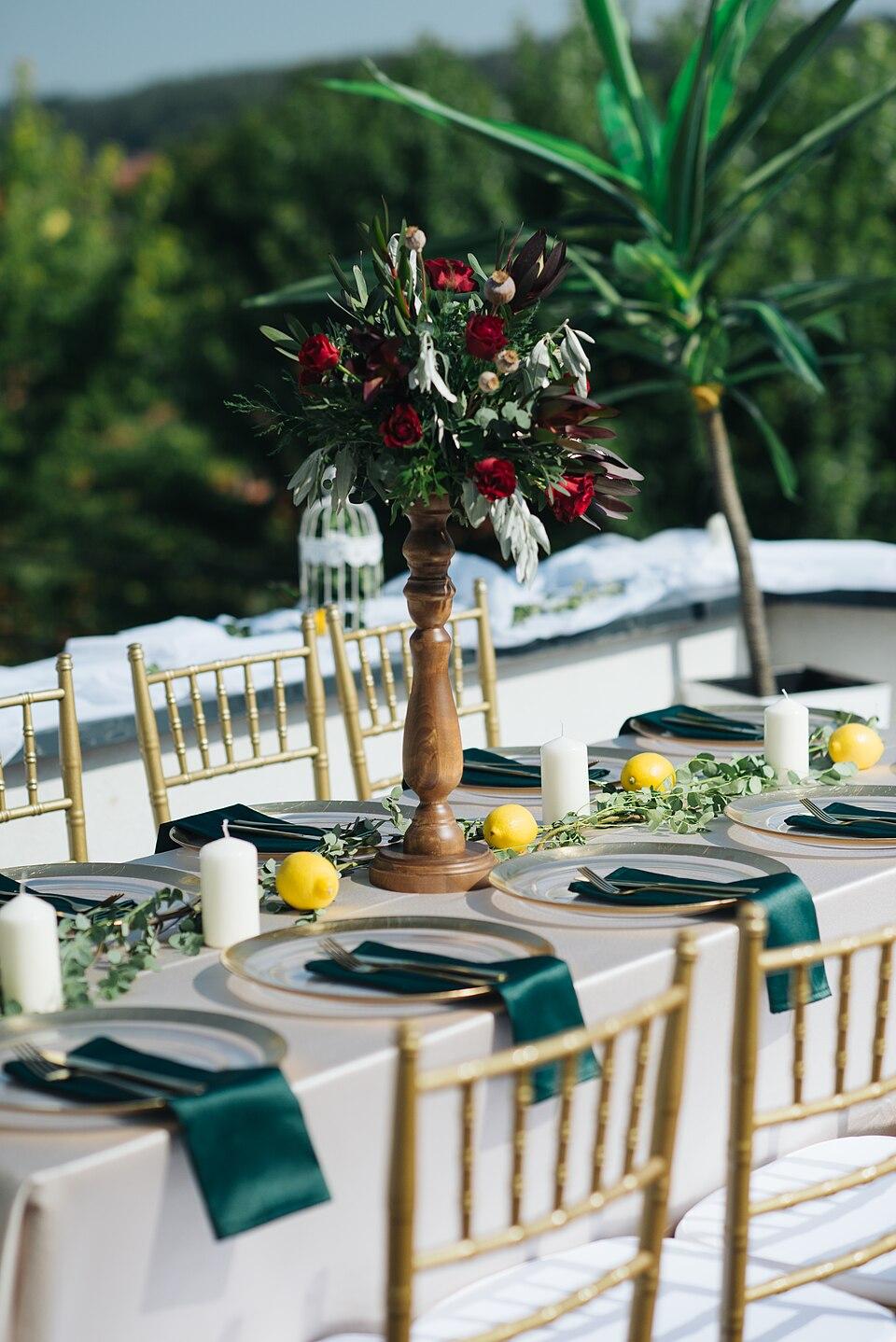


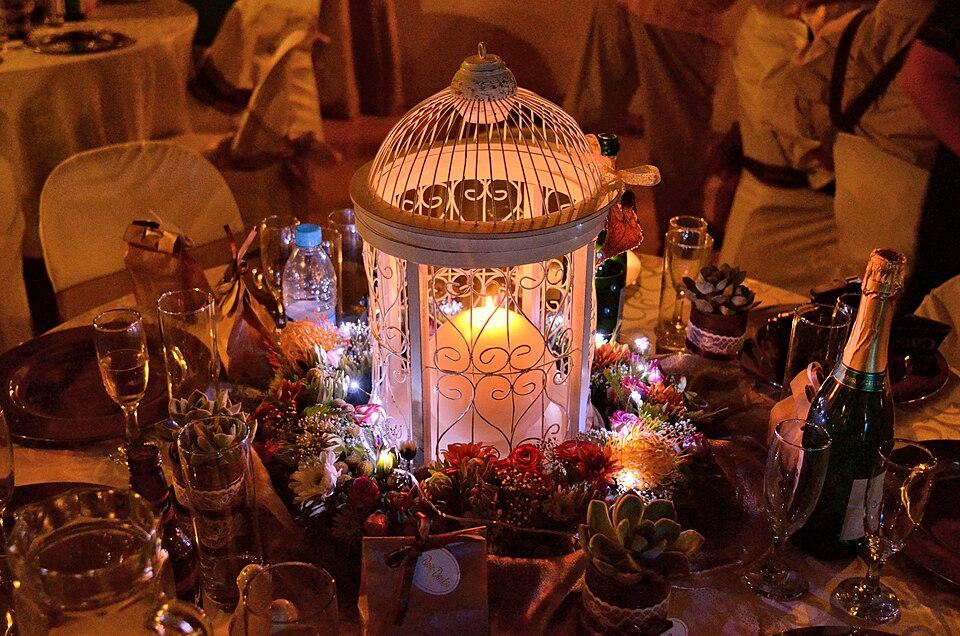




248 photos · 41 guests · 0 apps installed
01 · the invite
Garden wedding
Ana & Luka · 14 June
Scan to share your photos
You're invited to
Garden wedding
Join to see everyone's photos and videos and share yours. No app, no account.
Your name (optional)
Shown with the photos you share. You can change it later.
Garden wedding
Share the photos and videos you take here. No app, no account.
Your name at this event
Marko
02 · the upload
 IMG_2041.HEICWaiting
 IMG_2044.HEICWaitingFirst dance.movWaiting
 PXL_20260614_2113.jpgWaitingIMG_2052.HEICWaitingIMG_2058.HEICWaiting
while it uploads
Every file shows how far it got.
Guests see what's done and what's still going, and each photo is in the gallery a moment after it lands.
03 · the gallery


15 sample photos in the gallery.
04 · the thank-you
Every upload ends with a thank-you, and the photos are in the gallery a moment later. Guests who want to keep control of what they shared can add an account. Nobody has to.
See the galleryHvala is Serbian for thank you. Veselo speaks English, Srpski and Deutsch.
05 · for hosts
my.veselo.app/j/k8txjuhceb53
Download QR code Copy linkDownload the QR code for place cards, the menu or a screen at the venue. The link works in any messenger.
The best man, a sister, the planner: co-hosts share the link and tidy the gallery. Only you can delete the event.

Hosts and co-hosts can take down any photo or video, in a couple of taps.
Event link
…/j/k8txjuhceb53
…/j/p2fq7ma9dw4z
New linkShared it too widely? Make a new one. Old links stop working, and guests join again with the new code.
Create an account to keep control of your photos on any device.
An account is optional. Guests who add one later keep their photos, on any device.
Pozvani ste na
Garden wedding
Pridružite se da vidite svačije fotografije i video snimke i podelite svoje. Bez aplikacije, bez naloga.
Pridruži seEvery guest sees Veselo in their own language, chosen on their own phone. Try it: the invitation switches with the buttons.
06 · what's next
07 · pricing
now · beta
0 €
for every event you host during the beta
later · event pass
One payment per event
priced by the number of guests
08 · questions
The longer answers, from QR codes to iPhone formats, are on the blog.
No. Guests scan the event's QR code or open its link, and Veselo opens in the phone's browser. It works on iPhone and Android, and on laptops too.
No. Opening the link is enough to join, see the gallery and add photos and videos. A guest can type a name to show with their photos, or leave it empty. Guests who want to keep control of what they shared on any device can create an account later, and their photos move with them.
They just work. iPhones save photos as HEIC, which many phones and computers can't open. Veselo converts them, so everyone can see and download every photo, whatever phone took it.
Yes. Guests add videos from the same screen as photos, and they appear in the gallery next to them.
Only people who joined your event through its link or QR code. If the link ends up somewhere it shouldn't, make a new one in the event's settings: the old link stops working.
Yes. As the host, you and your co-hosts can remove any photo or video from the event.
Nothing during the beta, with everything included and no card needed. After the beta, hosts will pay once per event, priced by the number of guests. Never a subscription. We'll announce prices before the beta ends.
English, Serbian (Srpski) and German (Deutsch). Each guest picks their own.
09 · the blog
· 3 min read
From a QR code on the cake table to a live slideshow, nine simple ideas that turn a birthday party's scattered phone photos into one shared album.
· 3 min read
iPhones save photos as HEIC, which many Android phones and Windows PCs can't open. What that means for sharing event photos, and the easy fixes.
· 4 min read
Sizes, placement and wording for a QR code that guests actually scan at a wedding or party, plus the checks to do before you print 120 place cards.
Create the event, put the QR code on the tables, and enjoy the party. The photos will find their way.
Create your eventFree during the beta